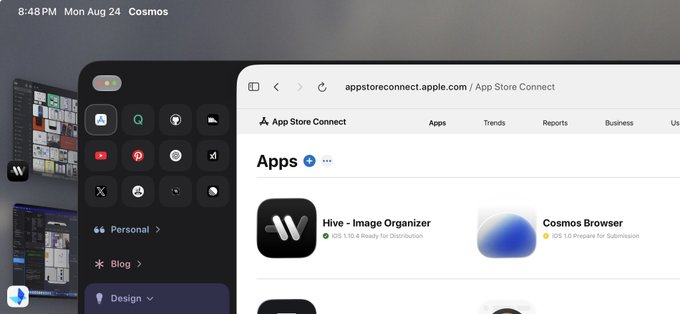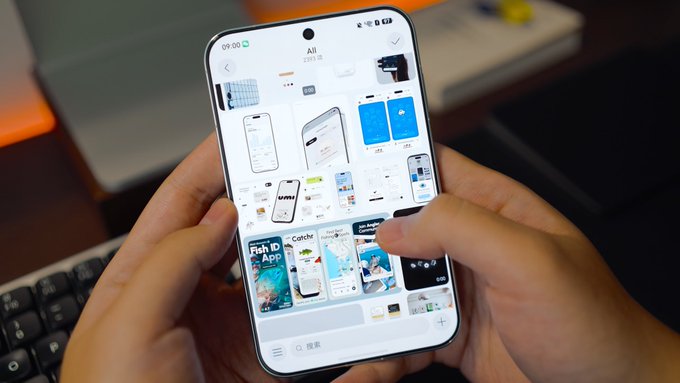
1:52当 Hive 跑在 Pura X View 的原生鸿蒙 HarmonyOS 上,很神奇的组合,但这种比例的屏幕来看图真的别有一番感觉,把应用移植到鸿蒙也要比我想象中更方便一点。BunnyLau12
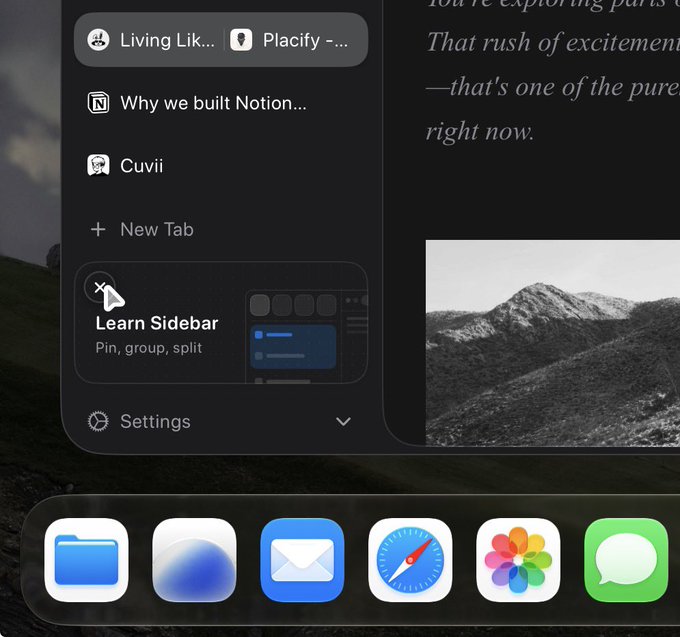
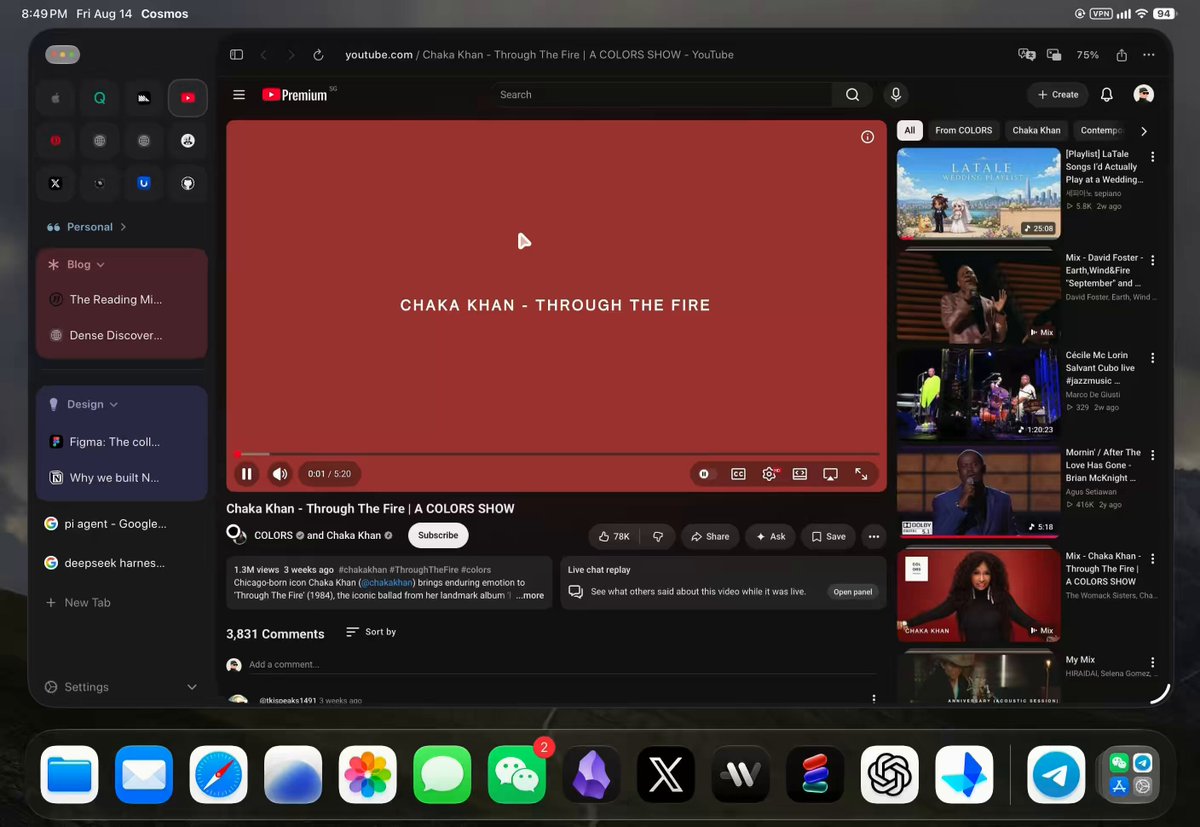
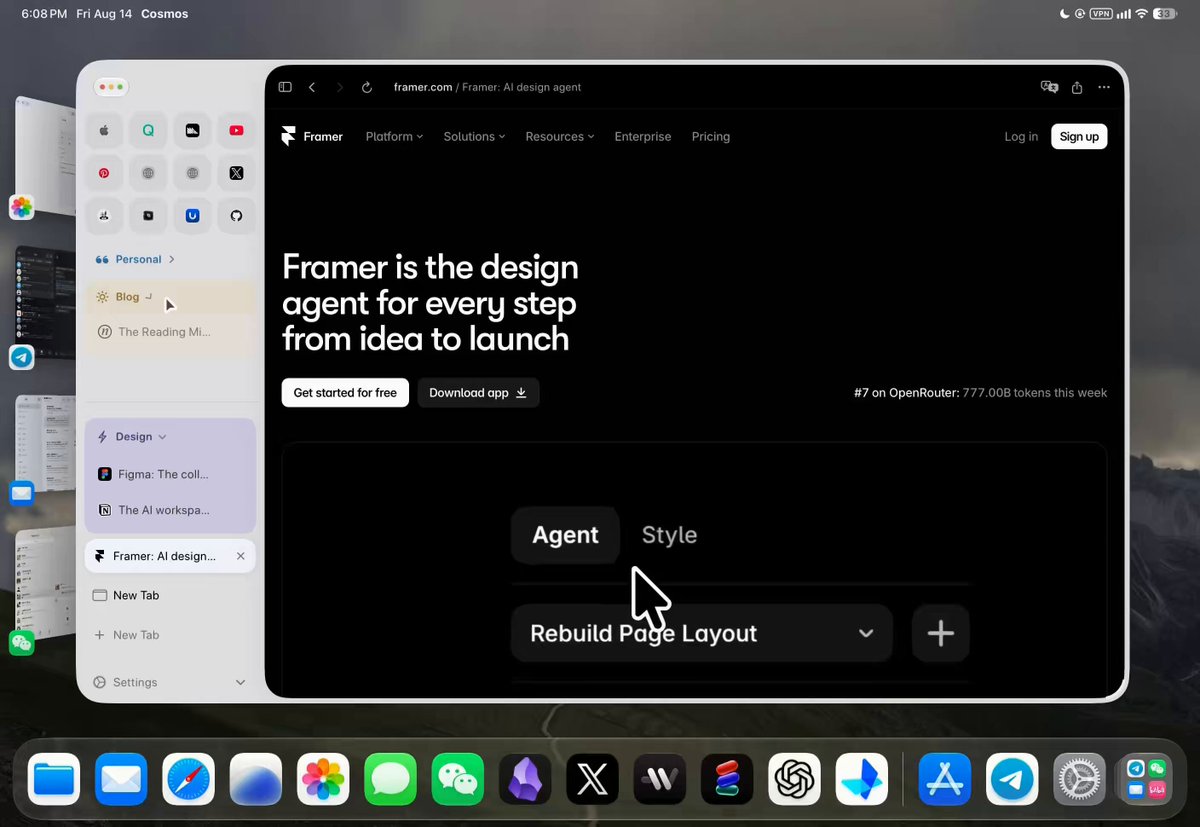
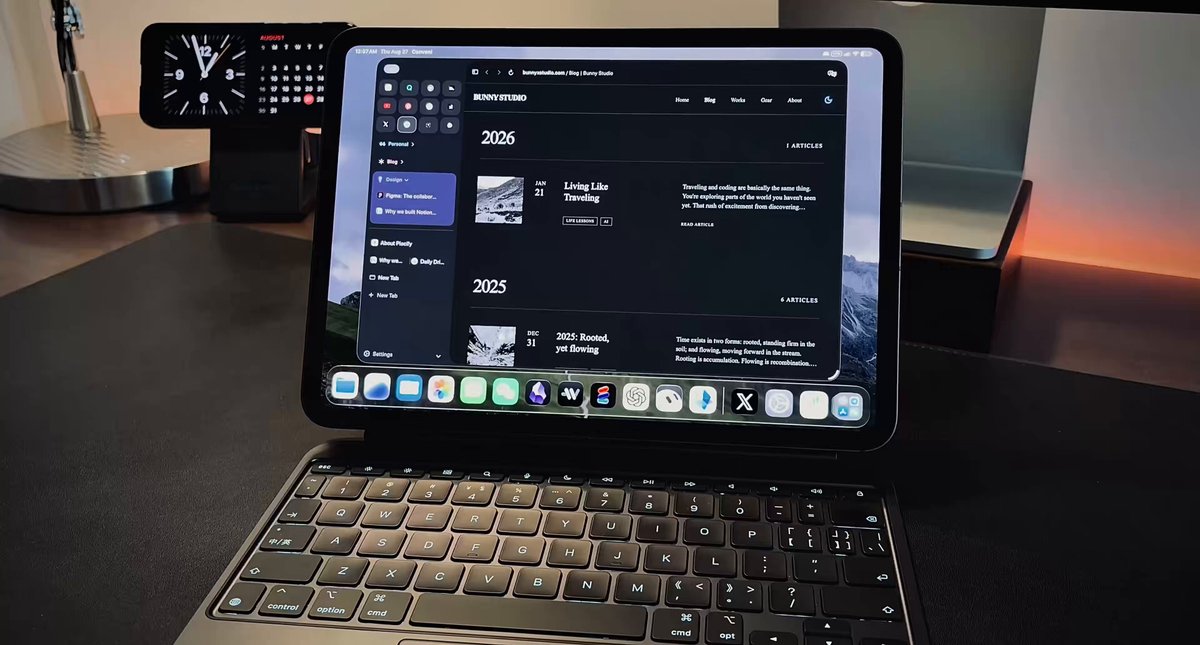
0:56In a browser designed for iPadOS, touch and trackpad optimization need to coexist, automatically switching between different experiences without requiring additional settings. Perhaps this should become the foundation of modern iPadOS app design.BunnyLau16
App Store Connect sessions expire ridiculously fast. So I’ve been doing a few cookie tricks in my own iPadOS browser to keep the session alive for as long as possible. At least this way, I don’t have to re-verify my login multiple times a day like I do in Safari and other browsers.This is probably just the pain of every Apple developer.BunnyLau20
I hope that more and more iPadOS apps will have a hover effect when using the Magic Keyboard, as this would provide a very pleasant sense of detail.BunnyLau18
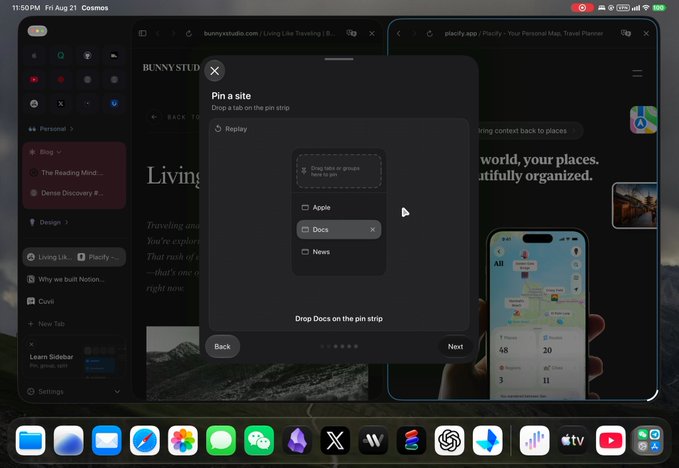
0:46Even the simplest interactions deserve good onboarding, and I particularly enjoy using SwiftUI for these details, because it is very fast and flexible, making it easy to achieve such effects.BunnyLau51
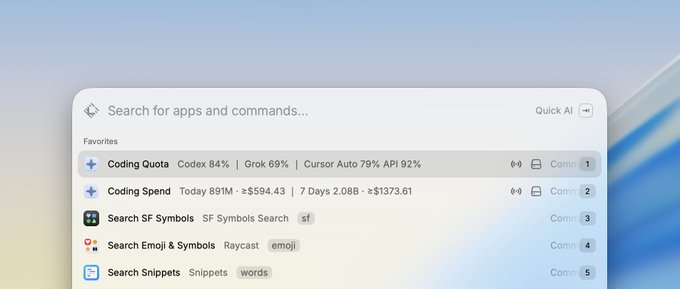
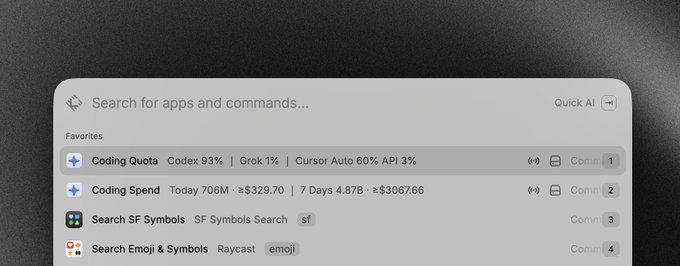
Raycast @raycast is very well-suited for handling this kind of small task, especially data that only requires a single glance. Such as tracking your Coding Plan usage. Should I publish this plugin?BunnyLau27
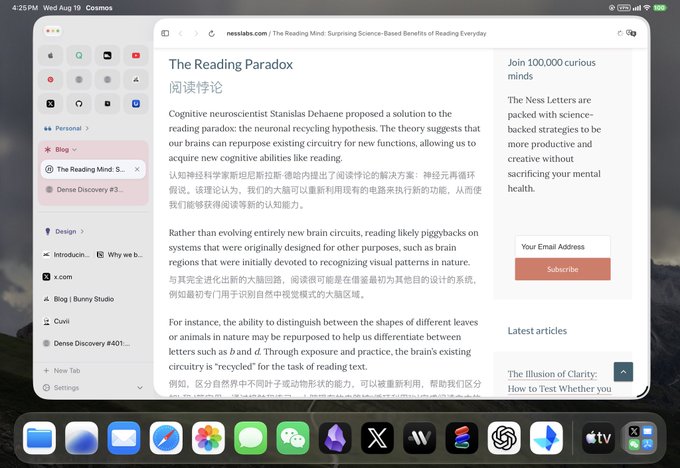
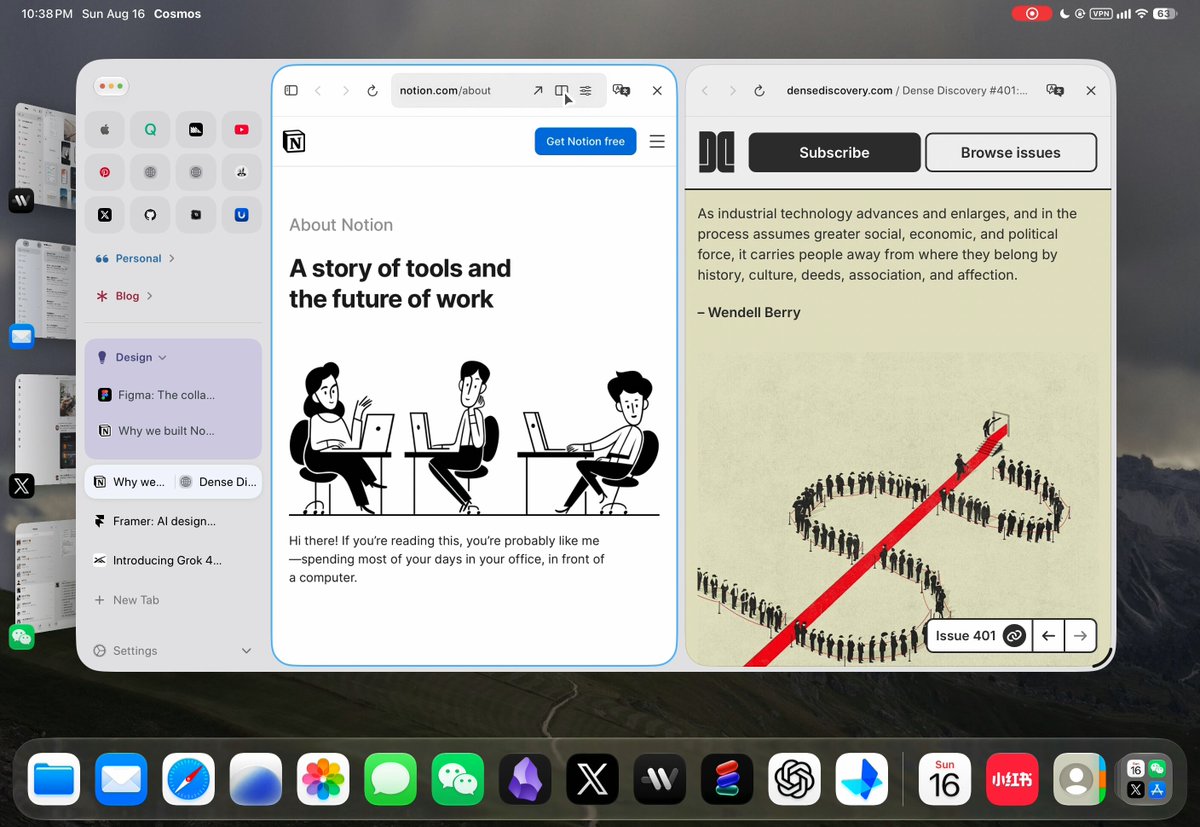
Been using Immersive Translate. What I actually like is the layout: original and translation sitting together. So I put that in my own iPad browser, on the system translation API. No extra model calls. Simple and fast.BunnyLau56
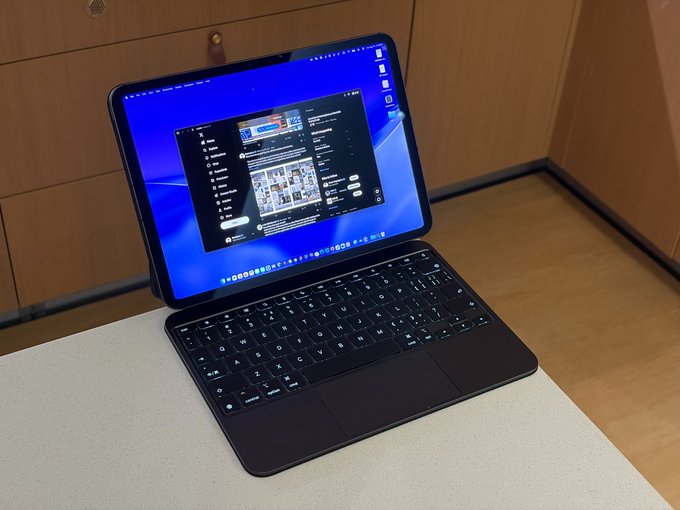
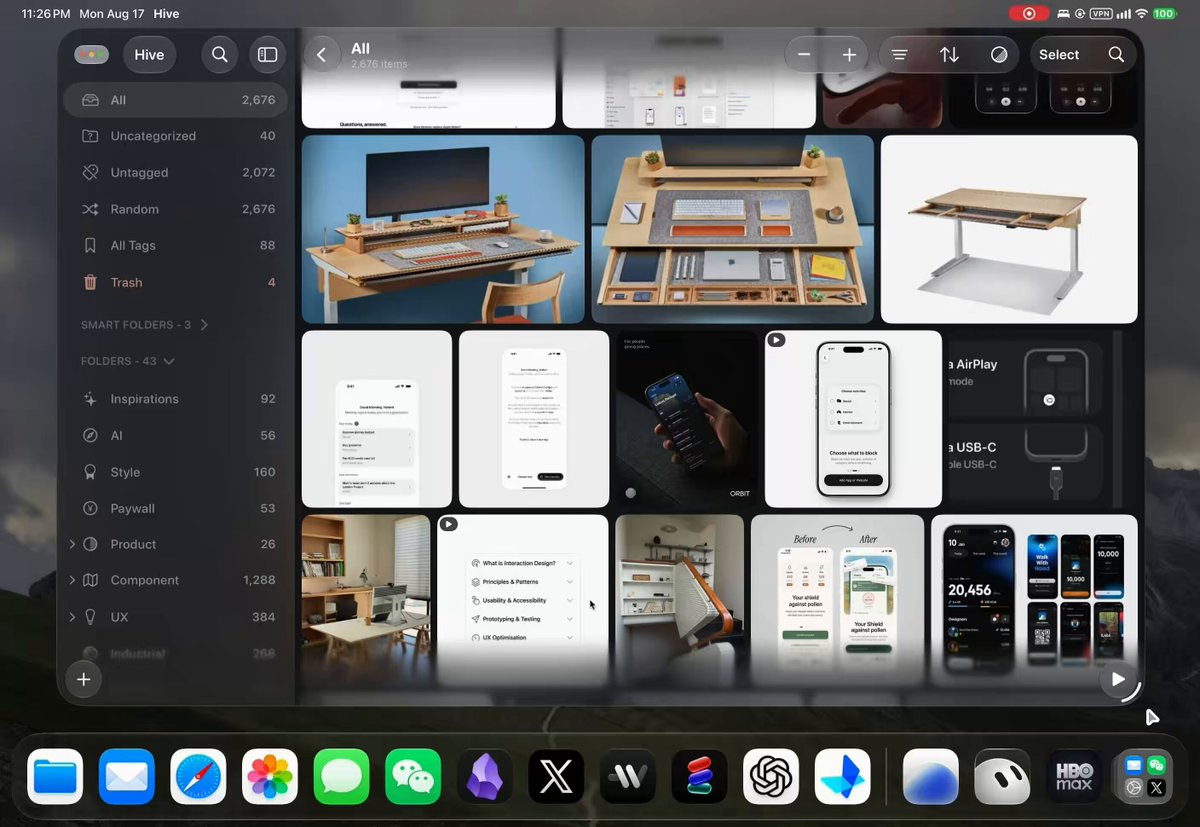
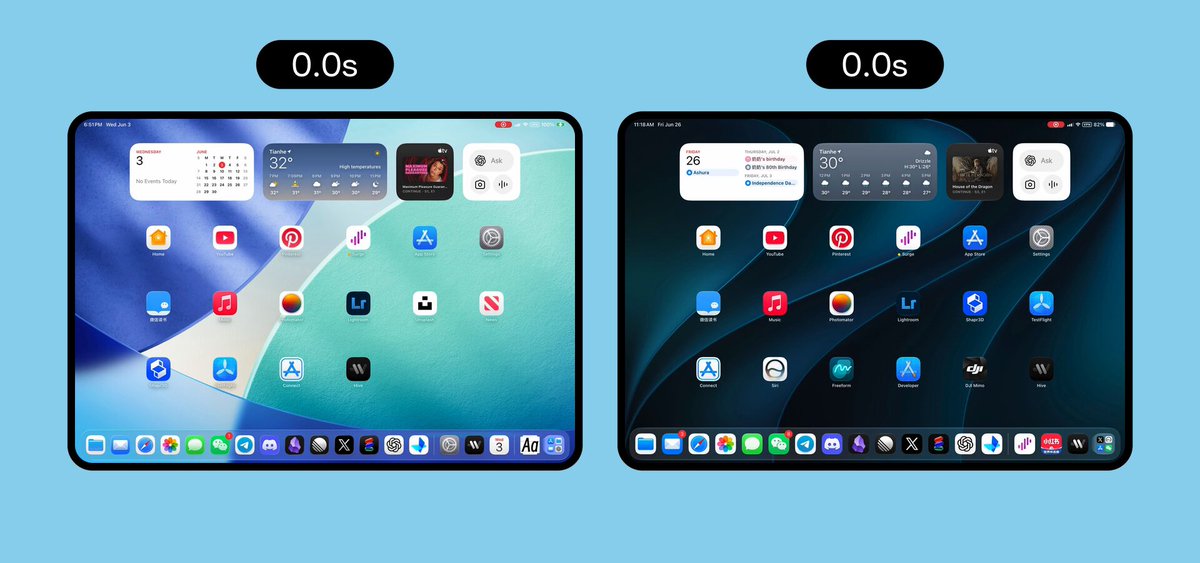
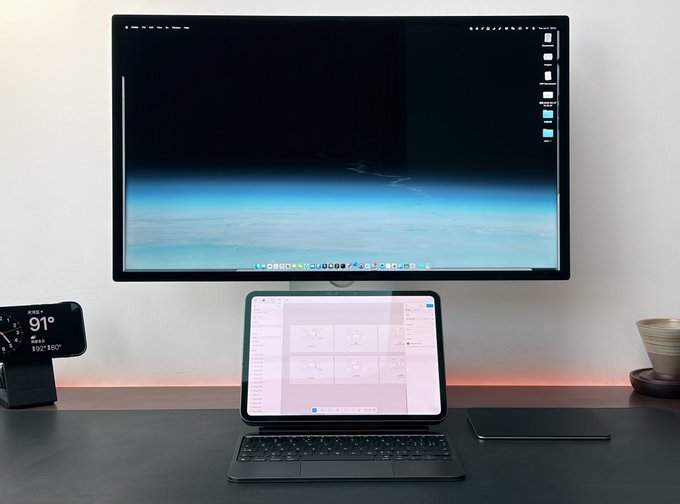
2 图分享一下我的 iPad 远程全屏显示的方案,做法是在 Better Display 里建一块按 iPad 比例来的虚拟屏,打开后设成主显示器,再把缩放对齐这块屏。Raycast 里绑了个快捷键,要切这个比例的时候直接唤出来。这样连过去就可以全屏了。 下个月的苹果的折叠屏出来也可以用这个方案。BunnyLau24
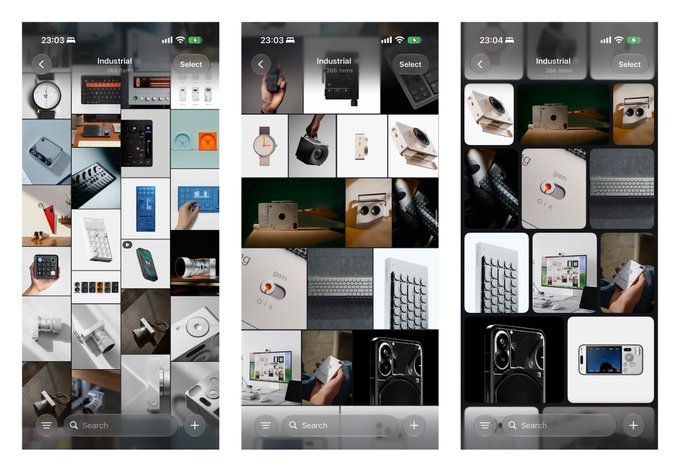
2 图Hive now has six grid layouts, all built entirely with SwiftUI. The core is a recycling-row architecture: only rows within and around the viewport stay mounted, while rows leaving it are recycled. Custom Layout types handle the more complex arrangements, backed by cached geometry and a small prefetch window. This keeps steady-state rendering cost tied mainly to the number of visible cells as the library grows. Every cell still supports context menus and drag-to-select gestures.BunnyLau25
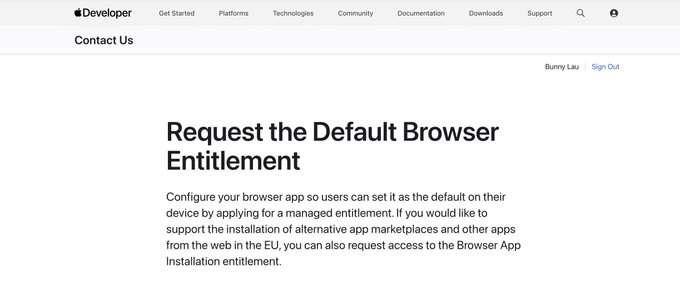
The main issue bothering me with TestFlight is that I applied for the Default Browser Entitlement qualification a week ago, but Apple still hasn't gotten back to me. Without this qualification, I can't enable Passkey services, and many web pages won't log in correctly. I think this is an essential capability for a mobile browser. It's a bit frustrating.BunnyLau9
0:37I think Hive is a great example of showcasing SwiftUI. 99% of its pages are driven purely by SwiftUI. It is very native and pure. And I really enjoy using Hive to collect various references and visual elements.BunnyLau338
0:31Recreate Dia Browser's animation using SwiftUI on iPadOS — SwiftUI has made quite a bit of progress over the past two years.BunnyLau612
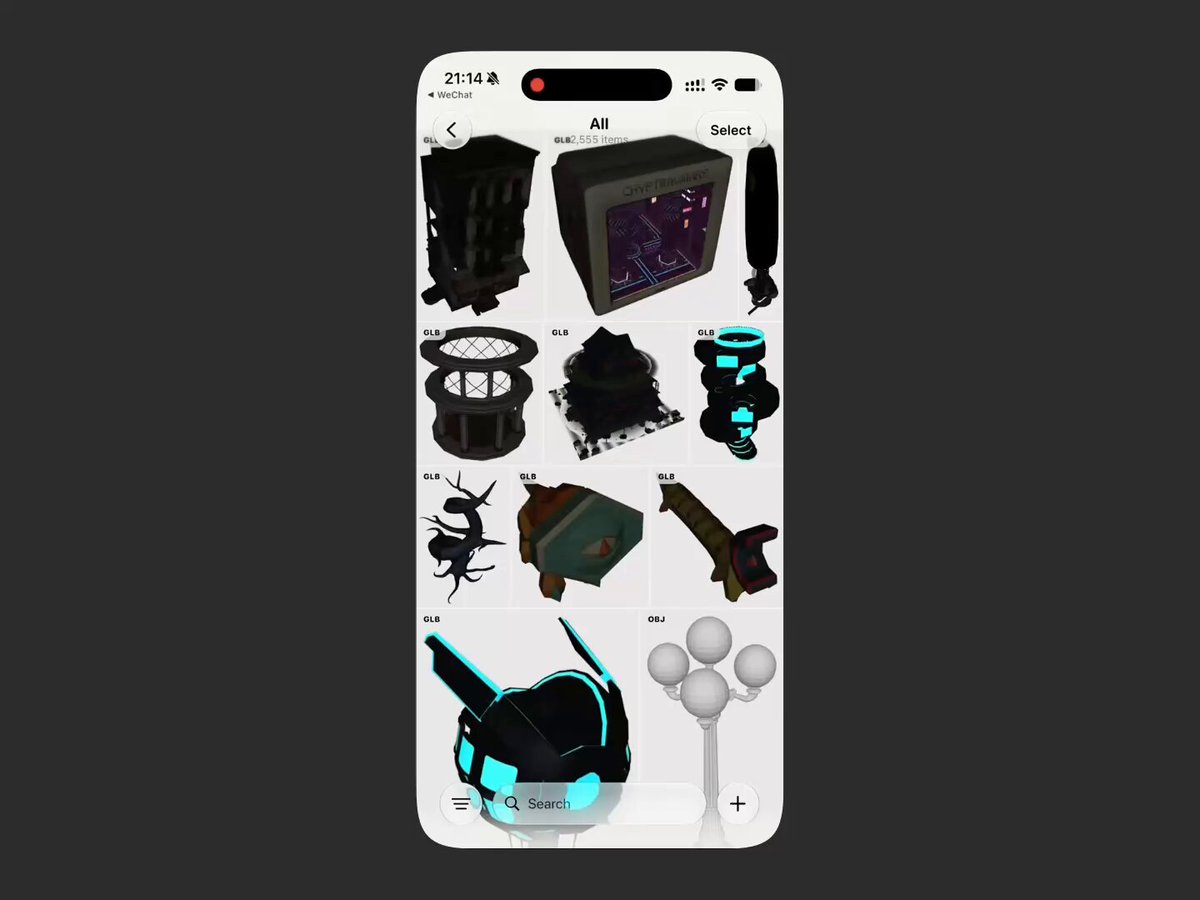
2:00假如 Hive 支持一些常见 3D 文件格式的渲染也会挺有趣的,因为很多人的资料库里会有 3D Assets,搭配上 ARkit 渲染出来也挺有意思的。就是移动端能够二次利用的软件比较少,通常 shapr3D 也只支持 .stl 类型的文件导入。BunnyLau2
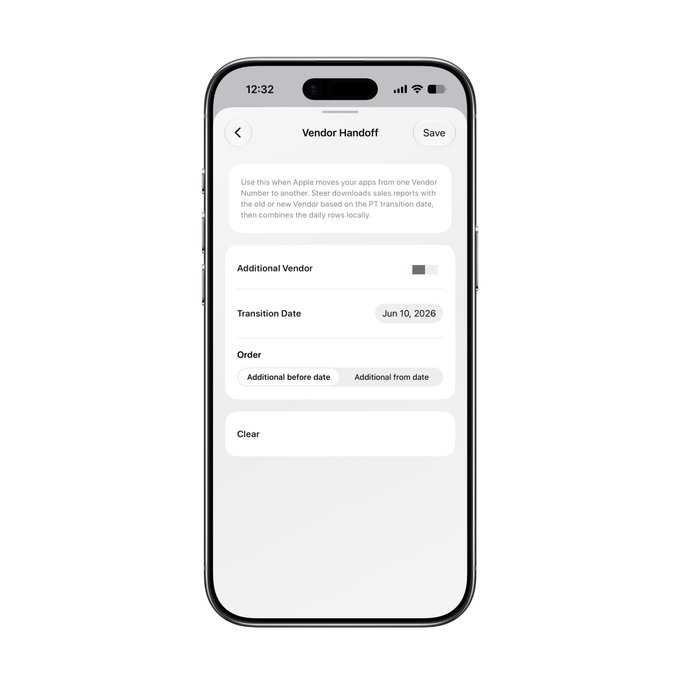
今天才发现原来 Apple Developer 账号从个人改到企业后,vendor id 会发生变化,这意味着如果里用 Apple Connect API 来查询收入数据的时候,它就会从改变生效开始切割,得用新的 vendor ID 查询新的数据,同时老数据也不会迁移到新的 vendor id 里。 于是我专门给 Steer 加入了一个 Handoff 功能,专门针对这种情况,可以把老数据和新数据结合在一起,这样就可以连续查询和合并数据对比。BunnyLau3
最近在 iPad 上用 Figgy 画了不少的 Figjam 和 Figma 设计高,基本上能比较顺手的做一些事情了。但 iPadOS 的输入法和键盘真的太多的 Bug 了,很多行为还是需要打磨来获得更好的体验,只有不断用下去才能知道有哪些地方还需要单独来映射处理。这么多年了 Apple 真的没有把 Magic Keyboard 在 iPad 上的键盘输入体验搞好过。BunnyLau6
一旦有了一台相机之后,我发现 iPhone Air 对我来说就已经完全足够了。它几乎为我设置了未来手机的标杆,好设计,好屏幕,好性能,极致轻便,续航够用。我应该有很多年都不会再买 Pro 系列,只会在 Fold 和 Air 之中选择。BunnyLau27
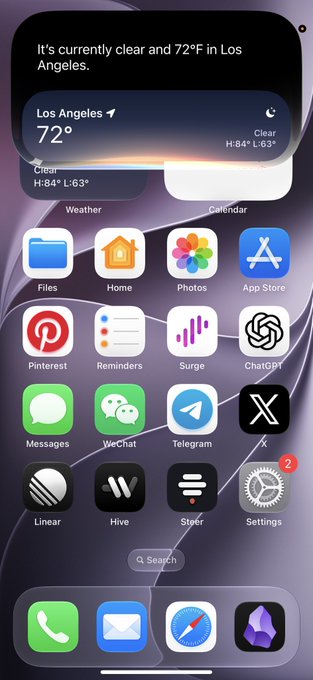
3:58分享一下目前在国内使用 Siri AI 的方法,仅供想要开发 Foundation Model 的 iOS 开发者学习使用,不建议日常使用。 前提条件和之前一样:非国行设备 + 非国行 Apple ID(据说部分国行 ID 也可用),这里不再展开。重点说一下开启后一直提示“服务异常”的情况。 我测试下来,问题主要与地理围栏有关,逻辑和 Apple News 类似,需要检测真实定位。 具体步骤: 1. 重启 iPhone(检测结果可能会缓存)。 2. 确保定位处于支持 Siri AI 的海外地区。打开系统地图检查:左下角不能显示“高德地图”,点击当前位置后也应显示海外定位。这是最关键的一步,定位修改方式不展开。 3. 关闭所有蜂窝网络。注意是直接禁用 SIM 卡,而不是只关闭移动数据。关闭后应显示“无服务”。 4. 确保网络出口与海外定位一致。 5. 首次唤起 Siri AI 时,询问必须联网的问题,例如天气、NBA 比分等。能正常回答,基本说明已经成功。 完成以上步骤后,短时间内可以恢复蜂窝网络和国内定位。但 Apple 似乎会持续校验,因此后续仍有失效的可能。目前还无法确定它会重新执行全部检测,还是采用其他校验方式,有新发现再补充。BunnyLau164
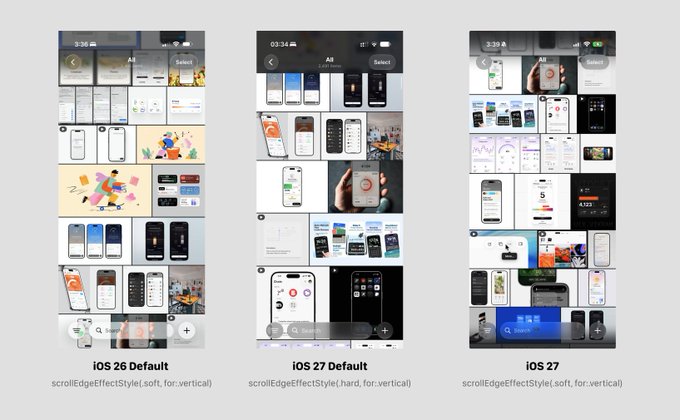
经提醒,原来是 iOS 27 默认的scrollEdgeEffectStyle由 .soft 改为了 .hard,需要手动切换到 .soft 就能恢复原来 Progress Blur 的效果,但注意,阴影层的颜色似乎有一些变化,如果你也设置了 navigation subtitle, 可能会出现看不清的情况,不知道后续会不会优化这里的处理。BunnyLau35